


In 2024, Microsoft says it was seeing about 7,000 password attacks every second, more than double the rate a year earlier. That figure comes from a May 2025 Microsoft Security blog post, and it was the company’s main argument for a change that would have sounded radical a few years ago: new Microsoft accounts are now “passwordless by default.” You can sign up, sign in and never pick a password at all.
Microsoft isn’t alone. Google made passkeys the default sign-in option for personal accounts back in October 2023, and Apple has built them into iPhones, iPads and Macs. In May 2026 the FIDO Alliance, the industry group behind the standard, estimated that 5 billion passkeys are in use worldwide. Even the UK’s National Cyber Security Centre, normally cautious, said in April 2026 that passkeys should become consumers’ first choice for logging in.
So is this really the end of passwords? Not quite. But it is the first serious replacement that ordinary people actually seem willing to use. Here’s how passkeys work, where the big platforms stand, how to set them up sensibly, and where the rough edges still are.
Why passwords keep failing us
The basic problem with a password is that it’s a shared secret. You know it, and the website stores some version of it. That creates two weak points. Attackers can steal the site’s database, or they can trick you into typing the secret into a fake site. Add the human habit of reusing the same password everywhere, and one breach at a forgotten online store can hand a stranger your email.
Two-factor codes sent by text or generated in an app helped a lot, but they don’t fully fix the phishing problem. A convincing fake login page can ask for your password and your six-digit code, then relay both to the real site in seconds. Most of us have had a near miss with a message like that, and the people who fell for one weren’t stupid. They were busy.
Passkeys were designed to close that gap, not just to be more convenient.
How passkeys actually work
A passkey is built on public-key cryptography, the same family of maths that secures your connection to your bank’s website. When you create a passkey for a site, your device generates a matched pair of keys:
- A private key, which stays on your device or in your password manager and is never sent to the website.
- A public key, which the website stores. On its own it’s useless to a thief, because it can only check signatures, not make them.
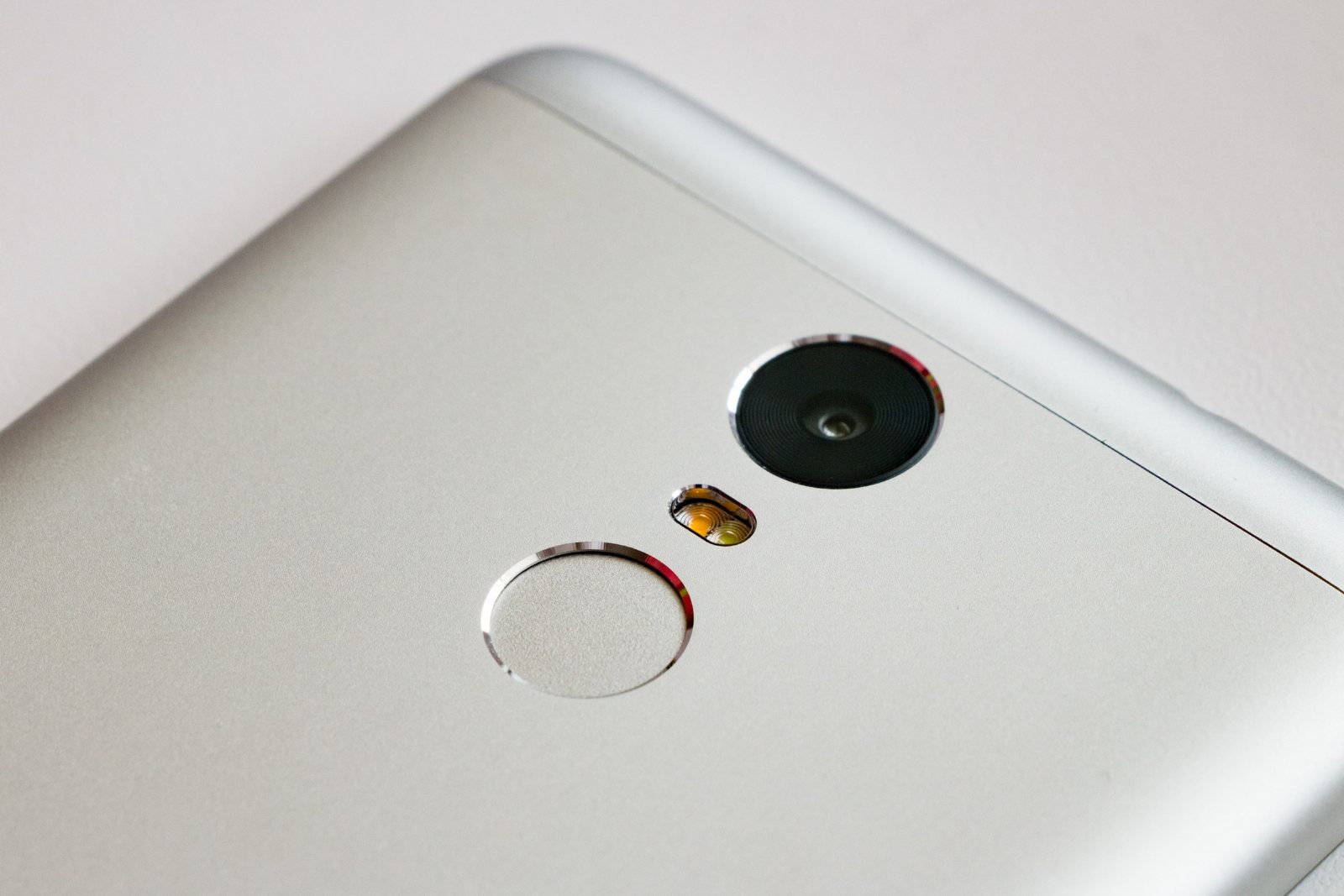
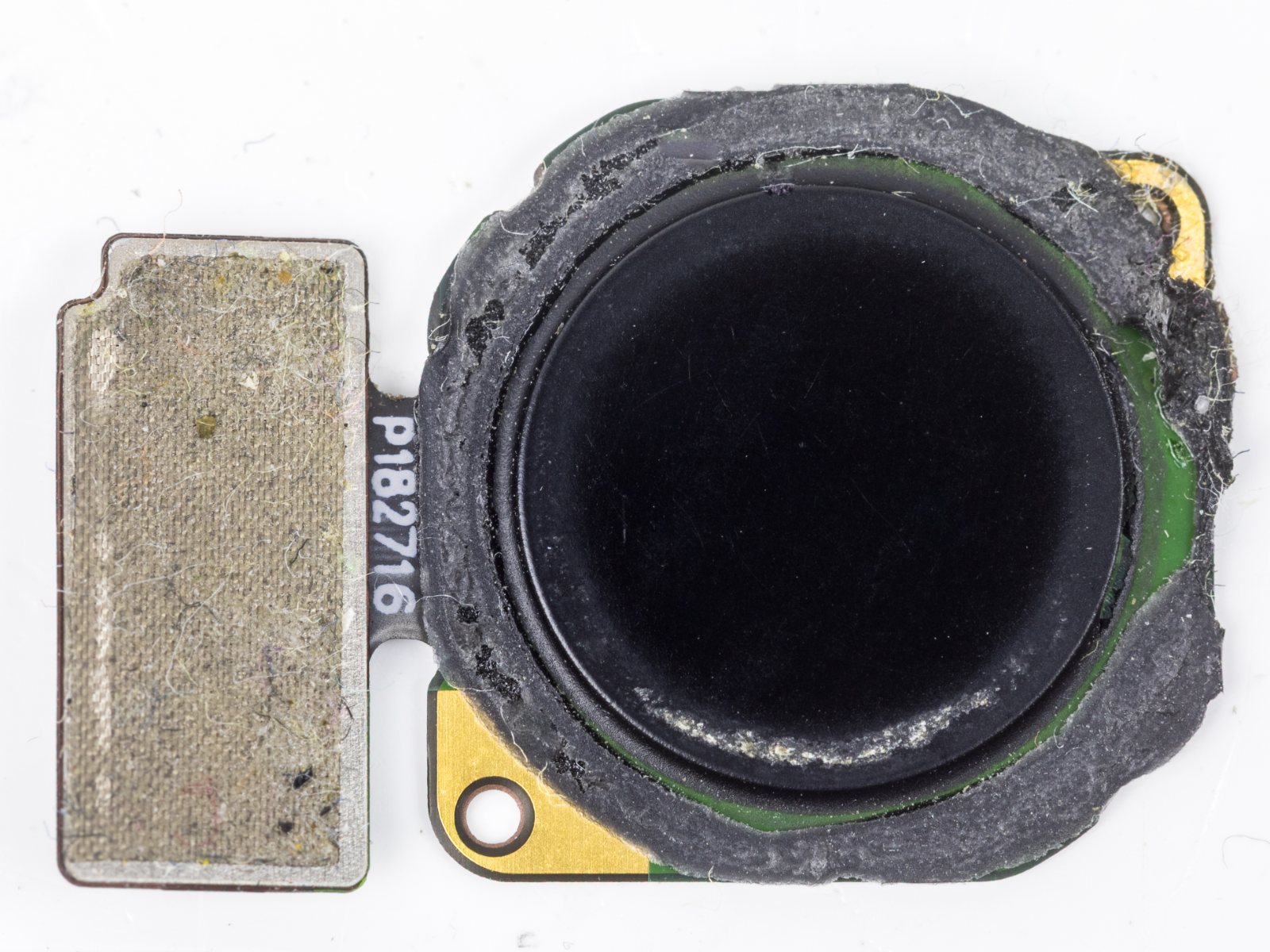
When you sign in, the site sends a random challenge. Your device asks you to prove it’s you, usually with your fingerprint, face or device PIN, and then uses the private key to sign the challenge. The site checks the signature with the public key it has on file. No secret crosses the internet, and there’s nothing worth stealing from the server. As the FIDO Alliance explains, your biometric data also stays on the device; the site only learns that the check succeeded.
The standards underneath
Two pieces of plumbing make this work across companies. The FIDO Alliance, founded in 2012, defines how devices act as authenticators. The World Wide Web Consortium’s Web Authentication API, known as WebAuthn, defines how websites and browsers talk to those authenticators. WebAuthn Level 3 became an official W3C Recommendation on August 25, 2026, the highest status a W3C standard can reach.
Why phishing doesn’t work
The clever part is that every passkey is bound to the exact web address it was created for. The WebAuthn specification describes credentials as “scoped” to a particular origin. If a scammer builds a pixel-perfect copy of your bank’s login page at a lookalike domain, your phone simply won’t offer the bank’s passkey there, because the domain doesn’t match. You can’t be tricked into handing over something your device refuses to use. That’s a property no password, however long, can have.
How Apple, Google and Microsoft got here
The turning point came on May 5, 2022, when Apple, Google and Microsoft jointly committed to expanding FIDO support. They promised two things: that your credentials would follow you across your devices without re-enrolling for every account, and that you could use your phone to sign in on a nearby computer, regardless of operating system or browser. Those two promises are essentially what turned FIDO from a niche security-key technology into the passkeys we have now.
Each company then moved at its own pace:
- Google made passkeys the default option for personal accounts on October 10, 2023, switching on a setting called “Skip password when possible.” It said passkeys were 40 per cent faster than passwords. In September 2024 it extended passkey syncing in Google Password Manager to Windows, macOS and Linux, protected by a separate PIN when you add a new device.
- Apple stores passkeys in iCloud Keychain, which its support documentation says is end-to-end encrypted with keys Apple doesn’t know, and requires two-factor authentication on the Apple Account. At WWDC in June 2025 it showed a way to move passkeys between apps in iOS 26 and macOS Tahoe 26, using an import and export format developed with the FIDO Alliance.
- Microsoft went furthest for new users with the passwordless-by-default change in May 2025. It reported that people signing in with passkeys succeed about 98 per cent of the time, against 32 per cent for passwords, and that passkey sign-ins are eight times faster than a password plus a second factor.
Those success rates matter more than they sound. A login that fails two times out of three is a login that generates password resets, support calls and abandoned shopping carts. FIDO’s 2026 consumer survey found 47 per cent of people would likely give up on a purchase or sign-in if they forgot a password.
The Canadian picture
Canada’s own cyber agency has been nudging in this direction for a while. The Canadian Centre for Cyber Security’s guidance on multi-factor authentication says FIDO-based solutions are “strongly recommended” as phishing-resistant protection for online accounts. Passkeys are the consumer-friendly version of exactly that.
One of the earlier production deployments also has a Canadian address. Canada’s own Shopify rolled out passkeys in its Shop app’s sign-in flows in December 2022, replacing email and text-message codes as the main way Shop Pay customers authenticate. Support at the big banks has been slower and patchier. If your bank offers passkeys, it’s worth turning them on; if it doesn’t, a strong unique password in a password manager plus its strongest second factor is still the sensible fallback.
Setting up passkeys without making a mess
The practical advice is less about technology than about not locking yourself out. Here’s the order we’d suggest.
- Pick one home for your passkeys. If you live entirely on Apple devices, iCloud Keychain is the obvious choice. If you mix an iPhone with a Windows laptop, Google Password Manager or a third-party manager such as 1Password or Bitwarden can sync across both. Scattering passkeys among three managers is how people end up confused.
- Start with your email account. Your inbox is the reset button for nearly everything else, so it deserves the strongest protection first. Then do your Apple, Google or Microsoft account, then banking and shopping.
- Use the “Create a passkey” option in account security settings. Most sites tuck it under Security or Sign-in methods. Your device will ask for your fingerprint, face or PIN, and that’s it.
- Keep a recovery path. Make sure your recovery email and phone number are current, and store any backup codes somewhere safe and offline. If the site allows a second passkey, add one on another device or a hardware security key.
- Protect the device itself. A passkey is only as safe as the screen lock guarding it. Use a real PIN, not 1234, and turn on find-my-device features.
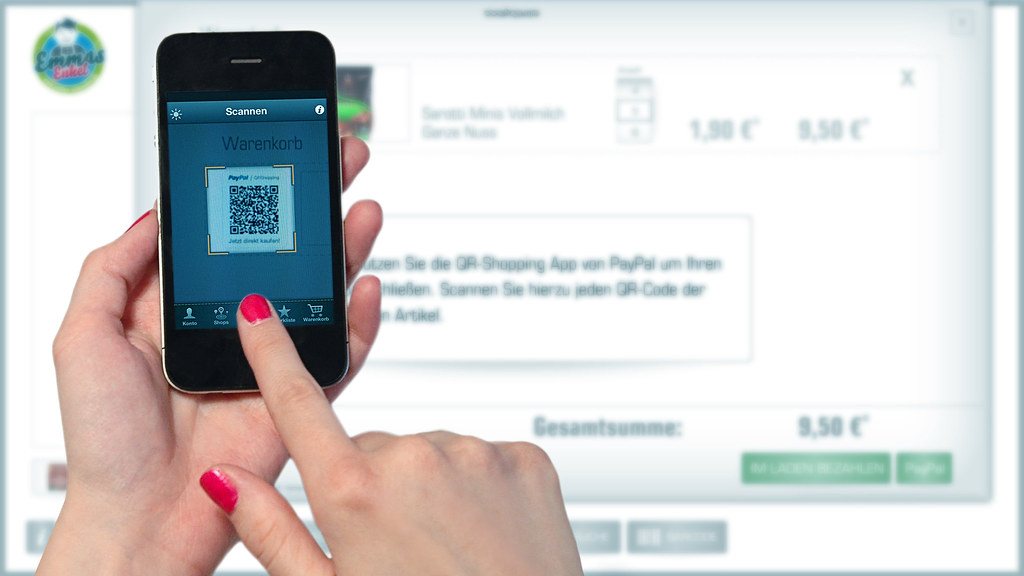
When you sign in on a computer that isn’t yours, look for an option to use a phone or tablet. The site shows a QR code, you scan it with your phone, and the two devices confirm they’re physically near each other before the sign-in goes through. It feels odd the first time and natural by the third.
The limitations nobody should gloss over
Passkeys are a real improvement, but they aren’t finished, and some criticisms are fair.
The password is usually still there
Ars Technica’s security editor Dan Goodin made this point bluntly in a piece summarized by Six Colors in January 2025: on most sites, adding a passkey doesn’t remove your password. If an attacker can still phish the old password and log in with it, the passkey’s protection is partly undone. Where a service lets you delete or disable your password after setting up a passkey, consider doing it, but only once your recovery options are solid.
Inconsistent experiences
Every site implements passkeys a little differently. Some prompt you automatically, some bury the option, and some still demand a text code on top. Even technically confident people report sign-ins that just don’t work. That inconsistency is the main reason, in our view, that adoption numbers look better than everyday usage. FIDO’s own figures show 75 per cent of surveyed consumers have enabled a passkey on at least one account, yet only 49 per cent use them regularly.
Lock-in and lost devices
For years, passkeys were hard to move between ecosystems. The new credential-exchange format Apple and others are adopting should ease that, though it depends on every password manager supporting it. Losing your only device remains a worry if you haven’t set up syncing or a recovery method. The UK NCSC’s chief technology officer, quoted by Help Net Security, made a similar point: people remain dependent on the security of their devices and credential managers, and services need clear recovery options.
Workplaces are behind
FIDO’s 2026 enterprise study found that 57 per cent of organizations still rely mainly on passwords for employee sign-in, even though 68 per cent are deploying or have deployed passkeys. Shared computers, older systems and help-desk processes all slow things down.
What to do this week
Passwords won’t vanish in 2026. They’ll linger as a fallback for years, the way cheques linger long after most of us switched to e-transfers. But the case for switching your important accounts is strong now: passkeys can’t be phished in the usual way, there’s nothing on the server for hackers to steal, and for most people they’re faster than typing.
Our suggestion is modest. Pick one password manager, set up a passkey for your main email account and your phone’s platform account, check your recovery details, and stop there for now. Once you’ve signed in a few times with your thumb instead of a half-remembered password, you’ll probably add the rest without being asked.
Sources and further reading
- Microsoft Security Blog: Pushing passkeys forward (May 2025)
- FIDO Alliance: World Passkey Day 2026 adoption report
- FIDO Alliance: Five billion passkeys, a milestone not a finish line
- FIDO Alliance: Passkeys overview
- W3C: Web Authentication Level 3
- Apple Newsroom: Apple, Google and Microsoft commit to expanded FIDO support (2022)
- Google: Passkeys are now the default for Google Accounts (2023)
- TechCrunch: Google rolls out passkey syncing via Password Manager (2024)
- Apple Support: About the security of passkeys
- 9to5Mac: iOS 26 passkey import and export
- Canadian Centre for Cyber Security: Multi-factor authentication guidance
- Shopify Engineering: Supporting passkeys in Shop authentication flows
- Six Colors: The state of passkeys (2025)
- Help Net Security: UK NCSC advises users to switch to passkeys (2026)







Leave a comment